Preparing Your Logo for a Vinyl Wrap on a Bike
The file you upload in the claim form is the file that gets cut and printed. This post covers formats, what reads on a tube or a rim, the text fallback if you upload nothing, and the once-per-reprint rule for changing artwork.
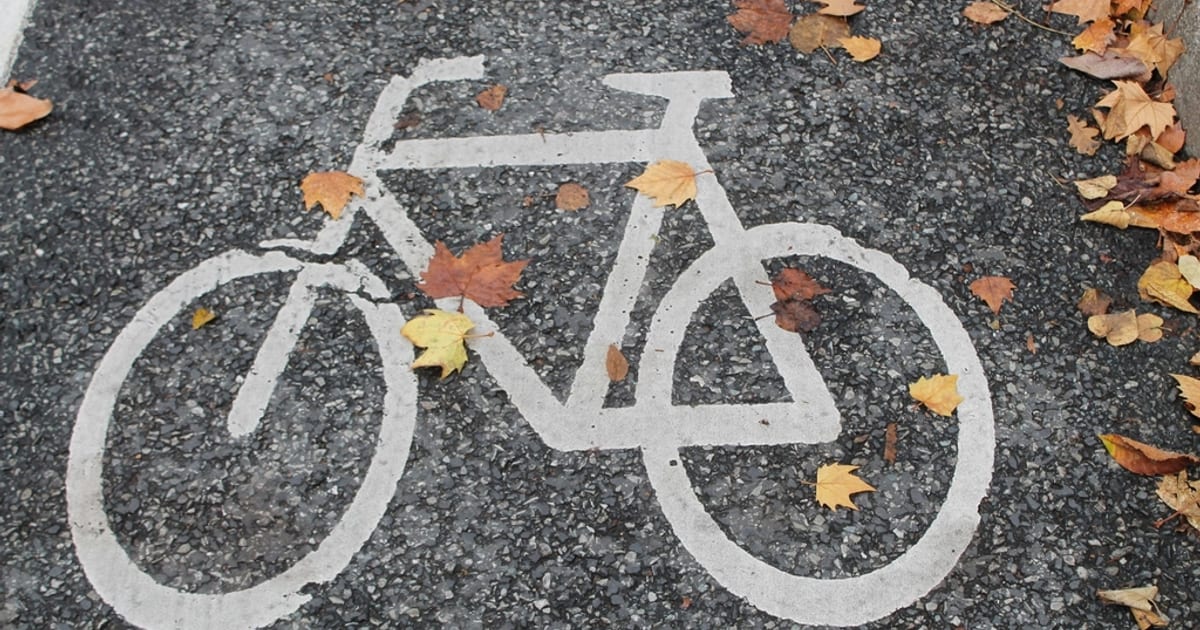
The file you pick in the claim form is not a placeholder. It is what gets cut and printed in vinyl and stuck to the bike for its life. That makes a few minutes of preparation worth more here than almost anywhere else you might put a logo. This post is about those minutes.
What to upload
PNG, JPEG, SVG or WebP, up to 10 MB. SVG is the best choice when you have it, because vinyl is cut from vector paths and a vector file scales to any zone without softening. A PNG with a transparent background is the next best. A JPEG works but carries a background, which on a bike means a rectangle of colour around your mark unless the zone is wrapped edge to edge.
The upload happens in the claim form before you pay, and the file lands on the bike in the preview at once, in the zone you picked.
What a tube does to a logo
Frame tubes are narrow and curved. A logo that is wide and short fits the down tube and top tube; a logo that is tall and square fits the head tube and the fork crown. Thin lines, small type and fine gradients do not survive at tube width, because the print is small and the surface bends away from the eye. A simple mark with strong contrast against the frame colour reads from across the road. A detailed illustration reads from nowhere.
Our post on choosing a zone describes each surface; the short rule is to match the shape of your mark to the shape of the zone.
What a rim does to a logo
Rims move. At speed a rim is a blur with a band of colour, and at rest it is a curved strip seen from the side. A mark that works on a rim is bold, short and high in contrast. A wordmark of more than a few letters becomes a smear. If your brand is a symbol, the rim is a good zone for it; if your brand is a long word, pick a tube.
Use the preview honestly
The preview shows your file in your zone on the bike before you pay. Use it the way you would use a proof from a printer: look at it at the size it is, not zoomed in. If the mark is hard to read in the preview, it will be harder on the road. Try a different zone, or a simpler version of the mark, before you commit. The preview is the one chance to change your mind at no cost.
If you upload nothing
The claim form asks for a name, and if you skip the logo, that name is printed as text in your zone. The text is set by the wrap, not by you, and it is the plainest version of being on the bike. You can send artwork by email afterwards and it will be used instead, so the text fallback is a safety net rather than a design choice.
Changing the artwork
Once per reprint. The wrap is refreshed from time to time over the bike’s life, and at each refresh a sponsor can send a replacement. The replacement goes on at the next refresh, as long as it is your brand and not somebody else’s. Between refreshes the vinyl that is on the bike stays on the bike.
Content rules and declined artwork
Artwork is checked against the content rules on the refunds page before it is printed. Artwork that breaks them is declined and the payment is refunded in full; nothing is printed and nothing is kept. The practical version is that a logo for your own brand is fine, and the rules exist for the cases that are not that.
Contrast against the frame
The frame has a colour and your mark has to read against it. A dark mark on a dark frame disappears at ten metres no matter how large it is. If your brand’s mark comes in a light and a dark version, pick the one that contrasts with the frame in the preview, and if it only comes in one, consider a version with a backing shape in your brand colour so that the mark has its own ground.
Size at print
The preview shows the mark at the size it will print, scaled to the zone. A mark that fills a monitor comfortably may be a few centimetres wide on a stem. Letters that are thinner than a line of vinyl can hold do not get cut, and tiny details are lost, so the test is whether the simplest element of your mark survives at that width. If it does not, use a simpler version, or choose a larger zone, which choosing a zone describes.
A checklist
- Vector if you have it, transparent PNG if not
- The simplest version of your mark, high contrast
- Wide marks on tubes, square marks on the head tube and crown, symbols on rims
- Look at the preview at real size before paying
- Keep the source file; you will want it at the next reprint
The road bike and the gravel bike both take the same formats and show the same preview. How brandmybicycle works covers what happens after the upload.
Questions
Which file formats are accepted?
PNG, JPEG, SVG or WebP, up to 10 MB. The file lands on the bike in the preview as soon as you pick it.
What if I do not upload a logo?
The name you typed in the claim form is printed as text instead. You can still send artwork afterwards by email.
Can I change the artwork later?
Once per reprint. Send the replacement and it goes on at the next wrap refresh, as long as it is your brand and not someone else's.
What prints best on a bike?
A simple mark with strong contrast. Tubes are narrow and curved and rims move, so fine detail and thin lines disappear.
Can the artwork be declined?
Yes, if it breaks the content rules. Declined artwork is not printed and the payment is refunded in full.